Mobile app · Tools & utilities
Tally Counter: track multiple named counts
Keep track of multiple things at once with big buttons, haptic feedback on every tap, and instant undo after reset.
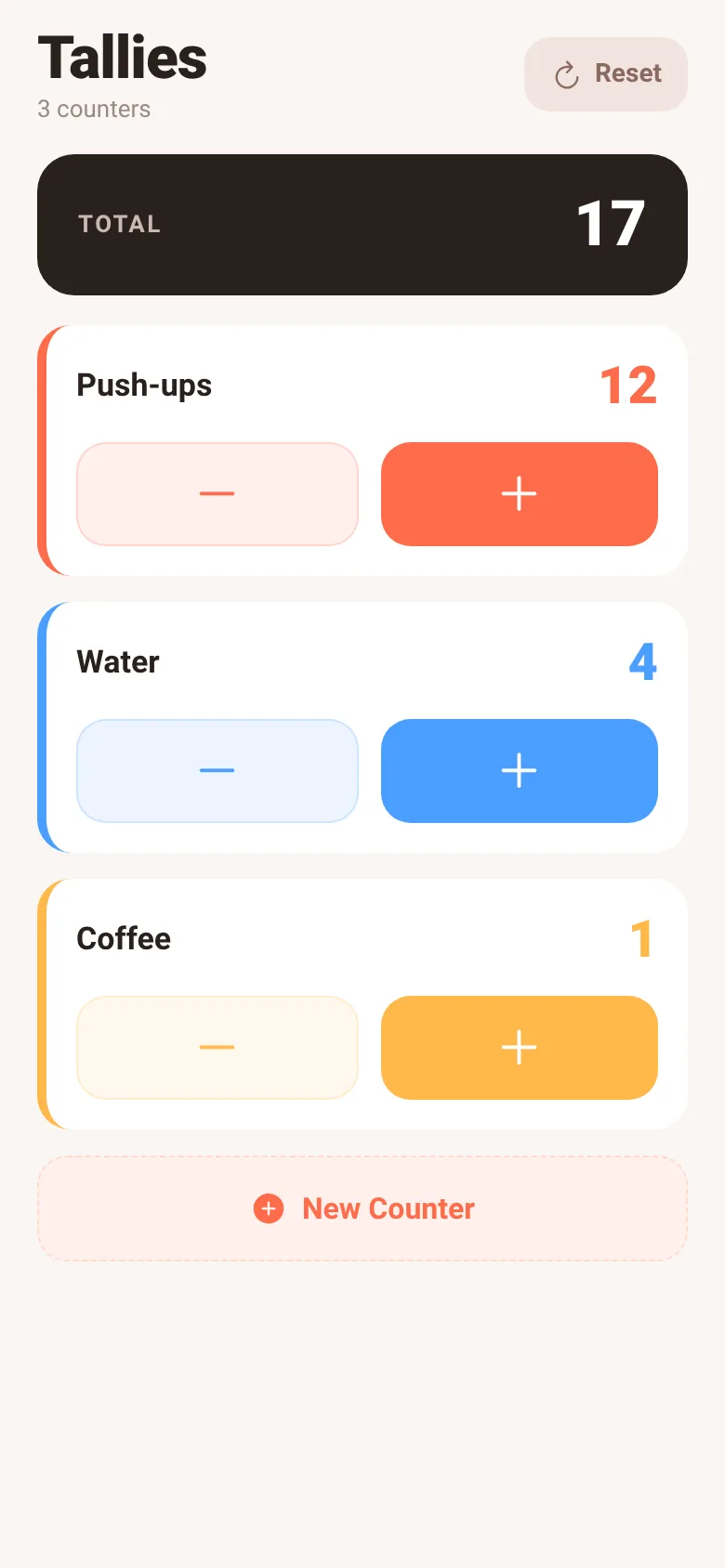
Need to count push-ups, water glasses, coffee cups, or anything else? Tally Counter keeps as many named counts as you want on one screen. Each counter has its own color, big plus and minus buttons, and haptic feedback when you tap. A live total at the top shows the sum of all counts. When you reset everything, you get a five-second window to undo with one tap.
What it does
You see a list of named counters, each with a large number displayed and two large buttons: minus and plus. Tap plus to increment, minus to decrease (never goes below zero). Each tap gives haptic feedback. A total count sits at the top. Tap and hold any counter to delete it. Tap Reset to zero all counts, then tap Undo within five seconds if you change your mind. Tap New Counter to add a new named tally with its own color from a rotating palette.
Key features
- Multiple named counters with color Create and track as many counts as you need; each gets its own name and color.
- Big tap targets and haptic feedback Plus and minus buttons are large and easy to hit; every tap vibrates with different intensity.
- Live total at top See the sum of all counter values updated instantly as you tap.
- Reset with one-tap undo Reset all counters to zero, then tap Undo within five seconds to restore your counts.
- Long-press to delete individual counters Hold any counter card for 400ms to remove it from the list.
How to use it
- Open the app and see the three sample counters (Push-ups, Water, Coffee).
- Tap the plus button on any counter to increment it; tap minus to decrease.
- Tap New Counter to name a new tally and add it to the list.
- Tap Reset to zero all counts; tap Undo in the bar at the bottom within five seconds to restore them.
- Long-press any counter card to delete just that counter.
Who it’s for
Anyone who needs to keep track of multiple running counts—fitness, habits, inventory, or just daily tallies. Works on phones and gives haptic feedback to make counting feel satisfying.
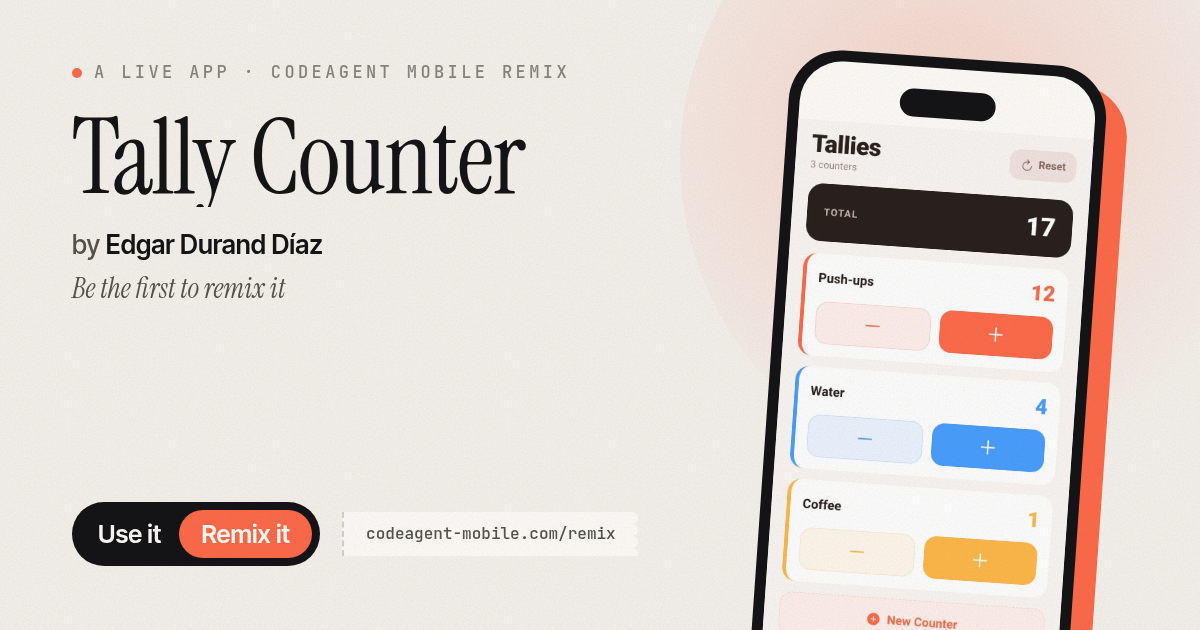
The app’s share card (1200×630)
Questions and answers
Does my progress save when I close the app?
No, this app does not save counts between sessions. Counts reset to their initial values when you restart the app.
Can I change the step size for each counter (e.g., count by 5s)?
No, each tap always increments or decrements by one.
What happens if I tap Reset by mistake?
All counts go to zero, but a bar appears at the bottom for five seconds with an Undo button. Tap it to restore all your counts immediately.
Can I share my counts with someone else?
No, this app does not have a share or export feature.
More tools & utilities apps
- Icebreakers · Swipe through fun, deep, work, and family icebreaker questions and save your favorites for parties and teams.
- Pitch Timer · Write cue cards, pick a 30/60/90-second timer, and rehearse your pitch with haptics and per-card timing feedback.
- Sun Arc · See the sun's arc across the sky for any latitude and day, with sunrise, sunset, day length, and golden hour windows.
- Big Text · Flash giant text across a room in auto-fit or scrolling marquee mode, with color themes and a gentle blink for safety.
- Shot List · Plan video scenes with shot cards, durations, and location tags. Check off shots as you film to track progress.
- Visited Countries · Check off countries you've visited by continent and see your world travel percentage. Track progress with visual rings for each continent.