How to Spin Up Codespaces From Any Device
Learn how to spin up Codespaces from any device while preserving repository context, reviewing agent changes, and keeping delivery moving without a desk.
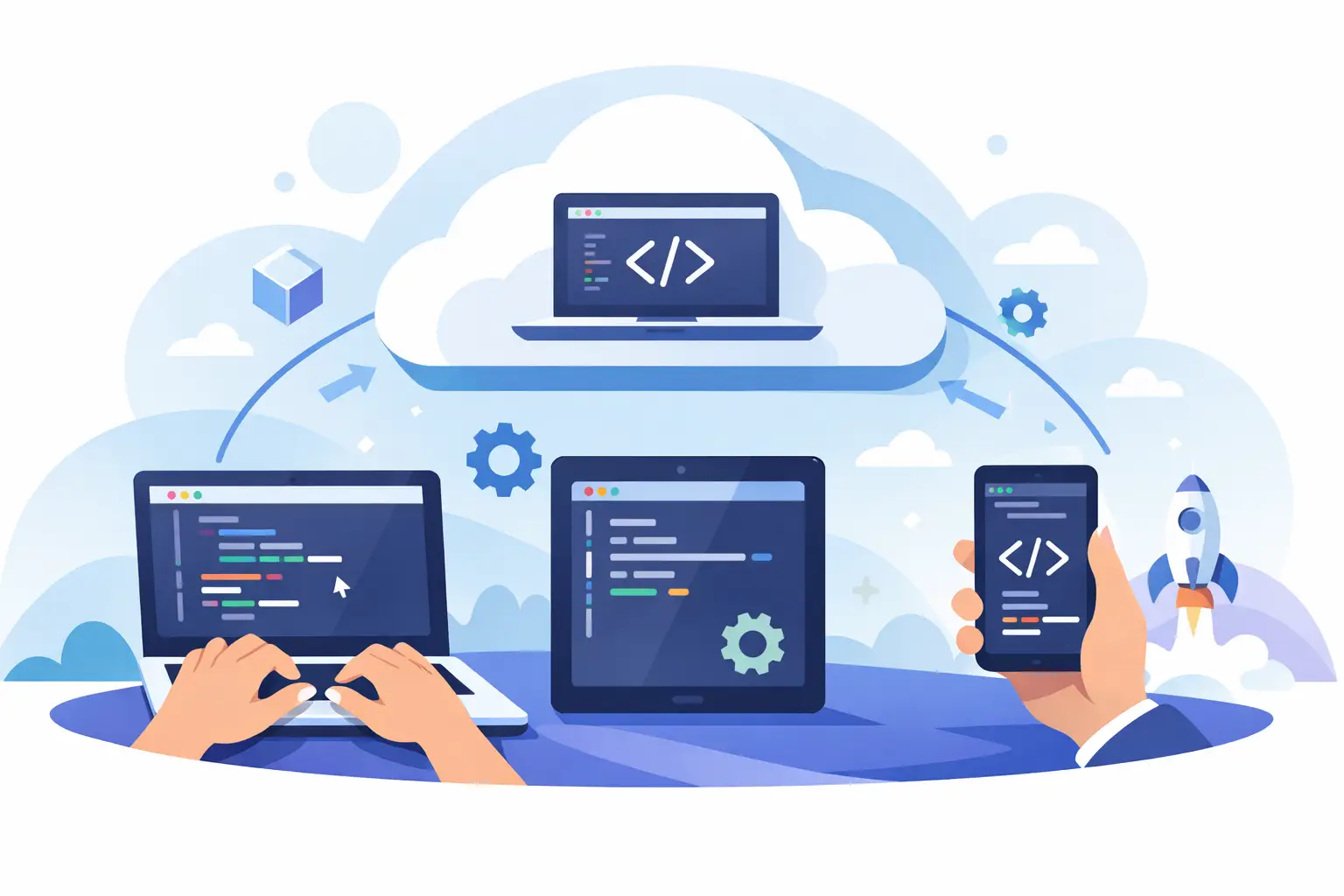
A production issue does not wait for you to get back to your laptop. Neither should a focused implementation task, a failing CI check, or an AI agent that needs one decision before it can finish. The ability to spin up Codespaces from any device changes the constraint: your development environment is no longer tied to the machine where you first opened the repository.
That does not mean every coding task belongs on a phone. It means the repository, branch, terminal state, and work context can stay available when you move between a desktop, tablet, borrowed browser, and mobile device. For teams using AI coding agents, that continuity matters even more. An agent can keep investigating, implementing, or testing while a human retains the ability to inspect the evidence and decide what happens next.
What It Means to Spin Up Codespaces From Any Device
A GitHub Codespace is a cloud-hosted development environment configured for a repository. It can include the project source, container configuration, extensions, runtime versions, environment variables, and editor settings needed to work on that codebase. Instead of recreating that environment locally, you launch it in the cloud and connect through a browser or supported client.
The practical value is not simply browser-based editing. It is environment consistency. A developer opening payments-api from a desktop in the morning and a tablet later that day should enter the same repository configuration rather than a second, slightly different local setup. The branch, terminal history, running services, and uncommitted changes remain associated with the Codespace.
There are limits. The device still affects the experience. A desktop browser is better for multi-file refactors, debugger sessions, and detailed pull request review. A phone is better for checking progress, reading logs, approving a clear diff, redirecting an agent, or restarting a stalled process. Treat device independence as an operational advantage, not a claim that a six-inch screen replaces an engineering workstation.
Start With Repository Configuration, Not the Device
The best cross-device workflow begins before anyone opens a Codespace. Put the environment definition in the repository with a development container configuration. That configuration should specify the tools the project actually needs: language runtime, package manager, database clients, linters, test dependencies, editor extensions, and setup commands.
If a new contributor needs a private wiki page and a sequence of undocumented shell commands to get the service running, Codespaces will expose that problem rather than solve it. The goal is a reproducible project environment. A developer should be able to open the repository, create a Codespace from the intended branch, and reach a usable state with minimal manual repair.
Be deliberate about secrets and access. Do not place credentials in the repository or bake them into the container image. Configure environment secrets at the appropriate personal, repository, or organization scope. Keep production access narrow. A Codespace is convenient enough that teams should revisit whether every developer session needs every credential.
Startup cost also deserves attention. Prebuilds can reduce wait time for repositories with large dependency graphs or expensive initialization. They are valuable for active repositories where developers frequently create environments, but they add configuration and compute cost. For a small service with a quick install, a simpler setup may be the better trade-off.
A Cross-Device Workflow That Keeps Context Intact
Consider a common sequence. A Linear ticket, ENG-482, reports that invoice retries stop after a transient provider timeout. The ticket links to billing-service, includes a Sentry issue, and defines the acceptance criteria: retry only retryable failures, preserve idempotency keys, add coverage for the timeout path, and post the pull request to the original thread.
From a desktop, a developer opens a Codespace on a feature branch and starts an AI coding agent with that context. The agent traces the retry worker, identifies the provider error mapping, updates the classifier, and begins the test suite. It does not need a second explanation when the developer steps away. The task has a branch, a repository, an explicit objective, visible commands, and a recorded execution trail.
Later, CI reports one failing integration test. From another device, the developer can open the same Codespace or inspect the associated work session. The useful action is not to type a large patch on a mobile keyboard. It is to read the failing output, see that a test fixture is missing a Retry-After value, and send a precise redirect: update the fixture, rerun the focused suite, then rerun the affected integration job.
That is the distinction between remote access and workflow continuity. Remote access gives you a window into an environment. Continuity preserves the reason the work exists, the current state of execution, the decisions already made, and the next accountable action.
Keep the branch and task relationship explicit
A Codespace can outlive the original session, which is useful until it becomes ambiguous. Name branches predictably and connect them to the work item. eng-482-retry-timeouts is more useful than fix-stuff. The same applies to pull requests, commit messages, and agent task names.
When a review comment arrives, the right question should be obvious: which branch, task, and running environment does this comment belong to? Explicit relationships reduce accidental work on the wrong branch and eliminate the familiar handoff message: “What was this terminal doing?”
Use mobile for decisions, not ceremony
Mobile access is strongest at control points. Check whether the agent is still running. Read a diff. Approve a bounded change. Ask for a narrower implementation. Stop an agent that has started expanding scope. Merge a pull request after checks pass. These are real engineering actions, especially for on-call rotation and distributed teams.
Mobile is weaker when the work requires sustained comparison across many files, complex conflict resolution, or deep debugging. In those moments, keep the Codespace active and move back to a full-size screen. The point is that the work does not reset while you change devices.
Put Human Control Around AI Agent Work
Codespaces make execution portable. They do not automatically make AI-generated changes safe. An agent with repository access can produce useful patches quickly, but speed without control creates a different kind of bottleneck: reviewers must reconstruct what happened and why.
Set clear boundaries at task launch. Give the agent the ticket acceptance criteria, the target repository and branch, relevant files or services, test expectations, and constraints such as “do not change the public API” or “do not modify migration behavior.” Ask it to report its plan before making broad changes when the task has material risk.
Then require proof at the right checkpoints. A good agent update answers concrete questions: Which files changed? What behavior changed? Which tests ran? What failed? What remains uncertain? “Implemented the fix” is not enough. A link-free, inspectable diff and test output are better evidence than a confident status message.
CodeAgent Mobile is designed for this control layer. It can carry a ticket’s repository, acceptance criteria, linked context, agent history, and review state across devices, then let a developer approve, redirect, pause, or resume the work without reconstructing the task. The coding environment remains Codespaces or the developer’s chosen editor. The control path remains available wherever the developer is.
Avoid the Failure Modes That Break Continuity
The most common failure is treating a Codespace as a disposable remote laptop. Developers create one-off environments, make changes, leave processes running, and later cannot identify which environment corresponds to which task. Use clear naming, branch discipline, and pull requests as the durable record of work.
The second failure is allowing long-running agents to operate without checkpoints. A task may start narrowly and drift into a broad refactor after the agent encounters adjacent code. Require intermediate status updates and make stopping work a normal action, not a failure. A stopped agent with a clear progress record is easier to resume than an unreviewed set of speculative edits.
The third failure is ignoring lifecycle and cost. Idle environments consume resources, while aggressive auto-stop settings can interrupt useful background work. Configure timeout policies based on how your team works. A feature team running agents and test suites may need longer active windows than a team using Codespaces mainly for quick review and small fixes.
Finally, do not confuse a passing test with completed delivery. The work is complete when the pull request is reviewed, checks are understood, the change is merged under your team’s rules, and the originating ticket or Slack thread reflects the outcome. That closed loop matters because it tells the next person what changed without asking them to hunt through terminal history.
Make the Next Decision Easy
The real payoff of cross-device Codespaces is not that code can be edited from everywhere. It is that engineering work can remain legible everywhere. Start each task with enough structure that another device, another reviewer, or your future self can see the repository, objective, branch, agent activity, diff, checks, and next decision in seconds. When that context stays intact, stepping away from the desk no longer means stepping away from delivery.