Mobile app · Productivity
Hours Saved
Track how many hours a week and year you save by automating repetitive tasks.
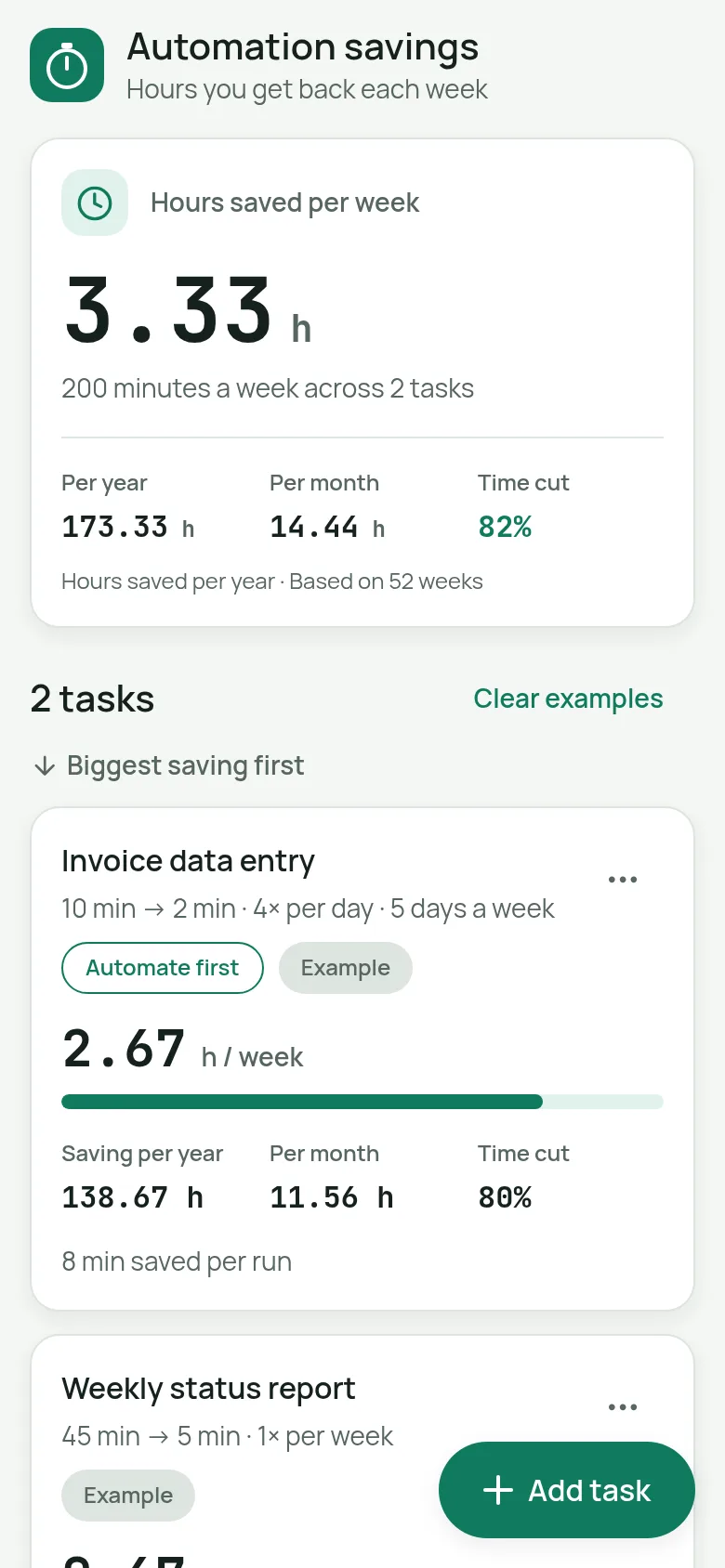
When you automate a task that you repeat regularly, you save time every week. But it's hard to see the cumulative impact. Hours Saved lets you list each task you automate, how often you do it, and how long it takes. The app then shows you exactly how many hours per week and year you get back—making the hidden benefit of automation visible.
What it does
You enter a task name, how many times per week you do it, and how many minutes each run takes. The app displays a live summary of your total hours saved per week and per year. You can edit or delete tasks at any time, and the totals update instantly. The app stores your tasks on your phone so your data stays private.
Key features
- Weekly and yearly totals See at a glance how many hours you save each week and year across all your automated tasks.
- Task list management Add, edit, or delete tasks with a simple form; each change recalculates your savings immediately.
- Sample tasks included Start with example automation tasks to understand how the app works, then clear them and add your own.
- Offline and private All your task data stays on your phone; no account or internet connection required.
How to use it
- Open the app and tap the plus button to add a task.
- Enter the task name, how many times per week you do it, and how many minutes each run takes.
- Tap Save and watch your hours saved update at the top.
- Add more tasks to see your total automation savings grow.
- Edit or delete any task from the list by tapping it.
Who it’s for
Anyone who automates repetitive tasks—from developers writing scripts to office workers setting up workflows—and wants to quantify the time they save.
How it differs from Hours Saved Calculator
This version is the same app as Hours Saved Calculator, with the same core features and calculations.
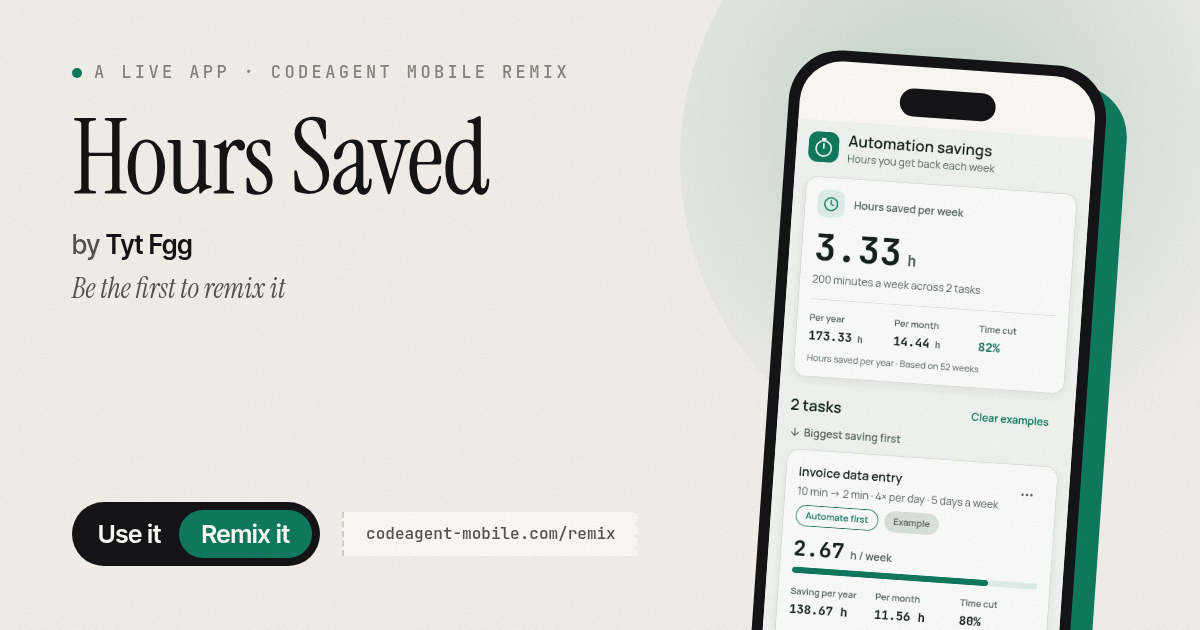
The app’s share card (1200×630)
Questions and answers
Does the app save my tasks?
Yes. Your tasks are saved on your phone. They remain there until you delete them or clear all tasks.
Do I need an account or internet?
No. The app works entirely offline and does not require any login or connection.
Can I try it with example tasks first?
Yes. The app starts with sample automation tasks so you can see how it works before adding your own.
What if I need to change a task?
Tap any task in the list to edit its name, frequency, or duration. Tap the menu icon to delete it.
Remix family
Remixed from Hours Saved Calculator · by Jay AI Automation
More productivity apps
- Historial Clínico Pet · Sistema para registrar y gestionar el historial médico completo de perros y gatos: vacunas, visitas, tratamientos, peso y avisos de vencimiento.
- Icebreakers · Swipe through fun, deep, work, and family icebreaker questions and save your favorites for parties and teams.
- Pitch Timer · Write cue cards, pick a 30/60/90-second timer, and rehearse your pitch with haptics and per-card timing feedback.
- Sun Arc · See the sun's arc across the sky for any latitude and day, with sunrise, sunset, day length, and golden hour windows.
- Big Text · Flash giant text across a room in auto-fit or scrolling marquee mode, with color themes and a gentle blink for safety.
- Shot List · Plan video scenes with shot cards, durations, and location tags. Check off shots as you film to track progress.