Web app · Kids
Times Table Hero: Practice multiplication and launch a rocket
Pick which times tables to practice, answer questions on a big keypad, and watch your rocket climb toward the moon as you earn stars.
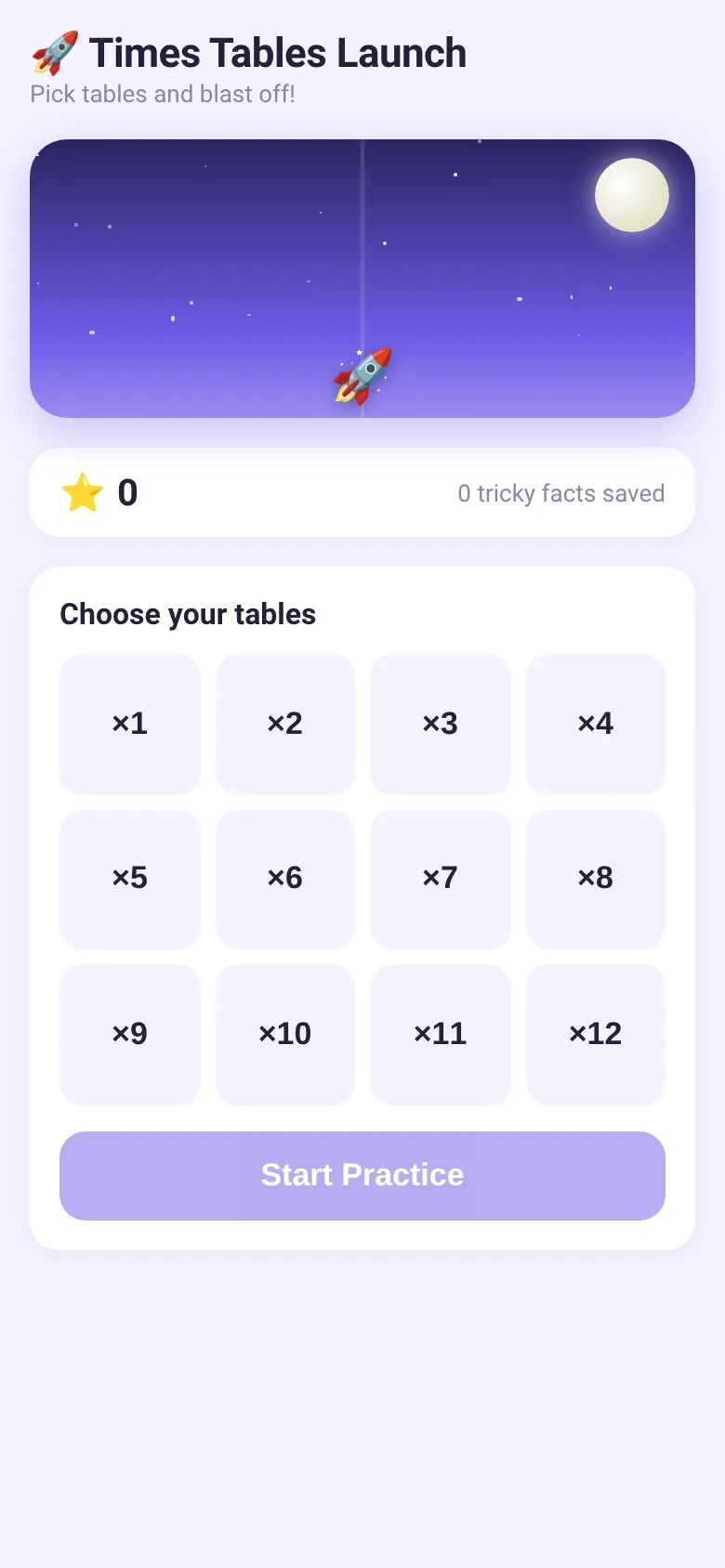
Learning multiplication facts can feel like a chore. Times Table Hero turns practice into a space adventure: kids pick which tables they want to work on, then answer multiplication questions using a large, touch-friendly keypad. Every correct answer earns a star that lifts the rocket higher toward the moon. If a fact trips them up, it gets saved and mixed back into practice later, so nothing slips through.
What it does
When you open the app, you choose which times tables (1 through 12) to practice. Tap Start Practice and you see a multiplication question like "7 × 8". Type your answer using the big number keypad at the bottom, then tap Go. The app tells you instantly if you are right or wrong and shows the correct answer if you missed it. Your rocket climbs the sky as stars pile up. Tricky facts are remembered and come back later in the session. A progress bar at the top shows how many questions you have left.
Key features
- Customizable table selection Pick any combination of times tables from 1 to 12 before each practice session.
- Big, touch-friendly keypad Three-digit number entry with Delete and Go buttons, designed for young fingers.
- Rocket progress visualization Watch your rocket climb toward the moon as you collect stars; the higher your star count, the higher it climbs.
- Tricky fact tracking Wrong answers are saved and mixed back into later practice sessions so kids revisit what they found hard.
- Instant feedback and celebration See your answer marked right or wrong immediately; perfect sessions trigger colorful confetti animation.
- Progress saved locally Stars and tricky facts are stored on your device so progress carries over between sessions.
How to use it
- Tap each times table button (×1 through ×12) to select which ones you want to practice.
- Tap Start Practice to begin your session.
- Read the multiplication question and type your answer using the keypad numbers.
- Tap Go to submit your answer and see if it is correct.
- Tap the Back button at the top left to finish your session and pick new tables.
Who it’s for
This app is for kids learning multiplication facts, roughly ages 6 to 10, and parents or teachers who want them to practice in a way that feels more like play than drill.
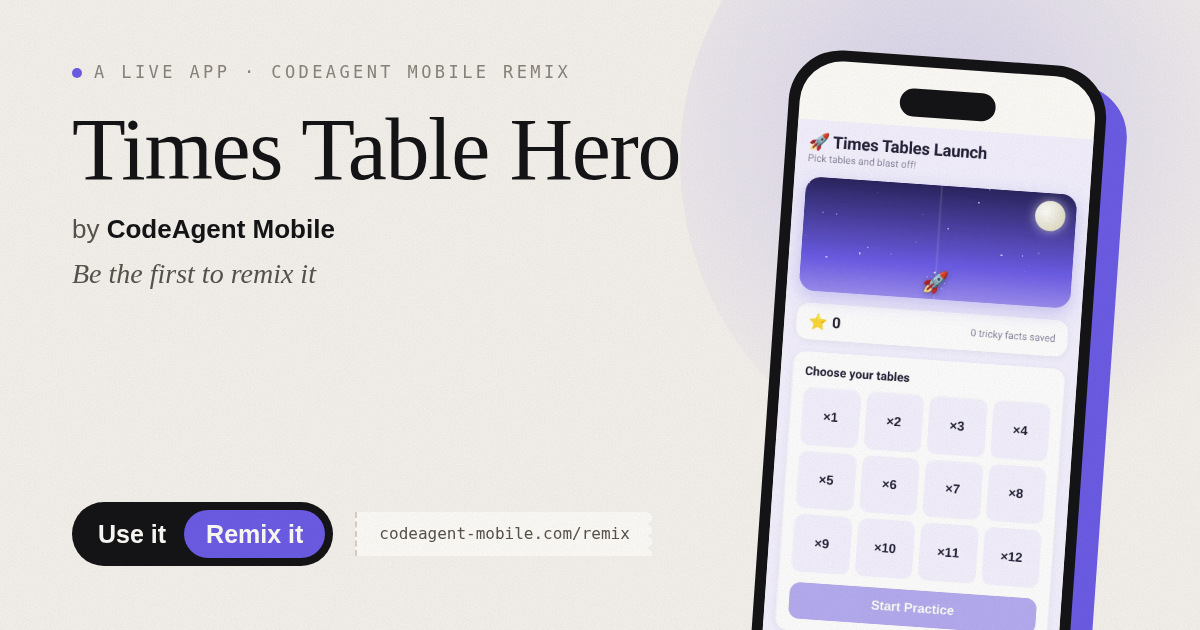
The app’s share card (1200×630)
Questions and answers
Will my stars and progress be saved?
Yes. The app saves your stars and tricky facts using your browser storage, so they stay with you when you come back.
What happens if I get an answer wrong?
You see the correct answer right away, and that multiplication fact is saved as tricky. It will come back in future sessions so you get another chance to practice it.
Can I use this on my phone or tablet?
Yes. The app works on any device with a web browser and adjusts its layout for phones, tablets, and computers.
How long is each practice session?
Each session covers up to 10 questions from your chosen tables, plus a few saved tricky facts. Most sessions take 3 to 5 minutes.
More kids apps
- Shape Sorter · A toddler game where kids drag colorful shapes into matching holes, with bouncy animations, haptics, and a celebration when all shapes are sorted.
- ABC Explorer · Swipe through big letter cards with emoji words, then play a game to find matching letters. For children learning their ABCs.
- Baby Log · Track feeds, naps, and diapers with simple timers and today's totals at a glance. Quick taps, soft pastel design.
- Vocab Swipe · Swipe French vocabulary cards to master them. Tap to flip, swipe right to mark as known, left to review later, and watch your progress in real time.
- Interview Bank · Post and upvote real interview questions by role and type. Mark questions you were asked to build your prep list.
- Study Hours · Log study sessions by subject and minutes. See your group's weekly hours, leaderboard, and a heatmap of the busiest study days.