


How it works
Attach your design
In the Create or Remix sheet, choose Your design: a Figma frame link, a Stitch screen, or an image (PNG, JPEG or WebP).
Say what it should do
The design gives the look; your words give the behaviour. “A habit tracker that looks like this, with a streak counter.”
Use it, then export it
Try the working app, describe any fixes, then export the code to GitHub, GitLab or a ZIP.
A working app, not a static mock-up
Most Figma-to-code tools turn layers into markup and leave the behaviour to you. Remix starts from the behaviour you describe and takes the colours, type, spacing and layout from your design, so the result is something you can actually click through.
Linking Figma or Stitch is free on every plan. Nothing from your design is stored after the app is built.
Don’t have a design? Pick a look
Choose one of the ready-made looks (Paper, Neon, Brutalist, Glass, Retro, Minimal, Terminal, Candy), or borrow the look of any app in the feed with “Use this look.”
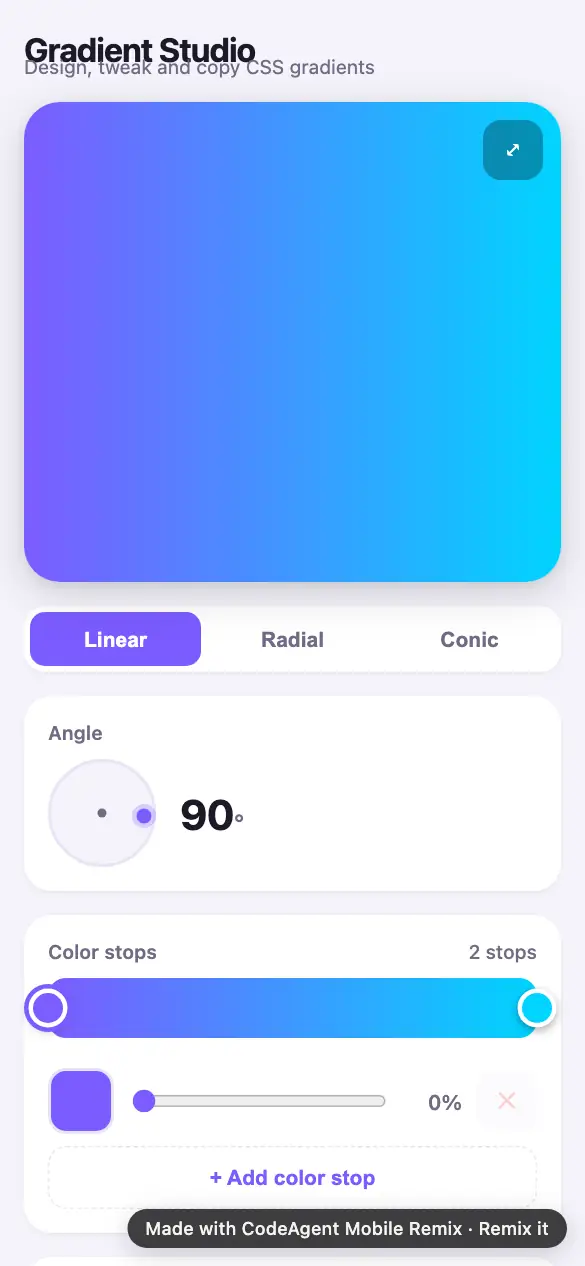
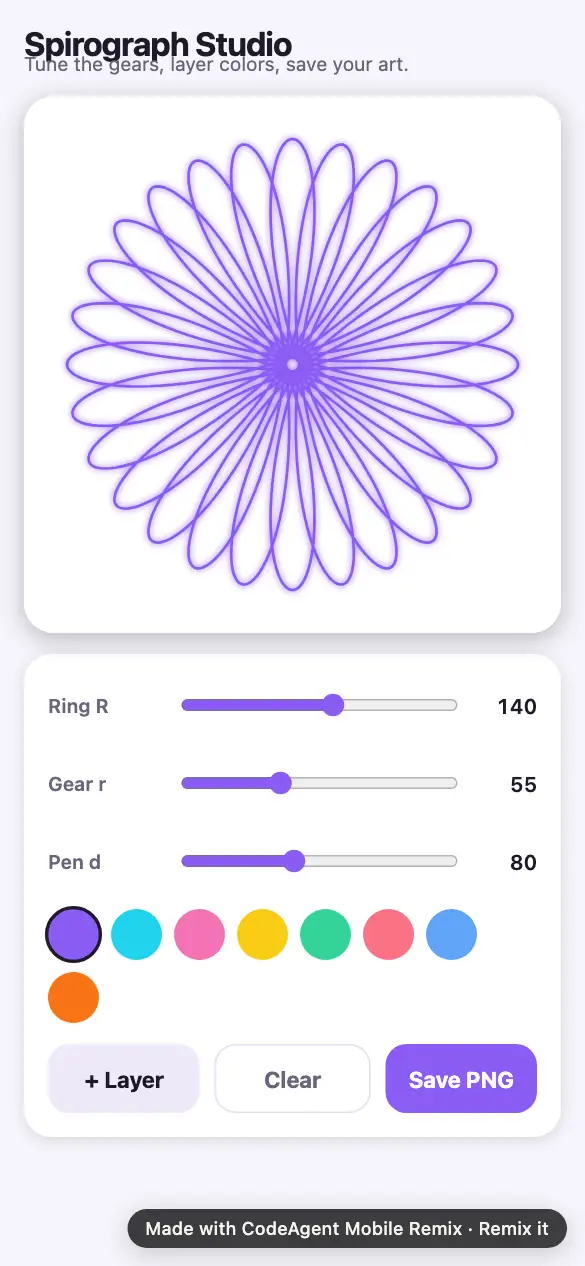
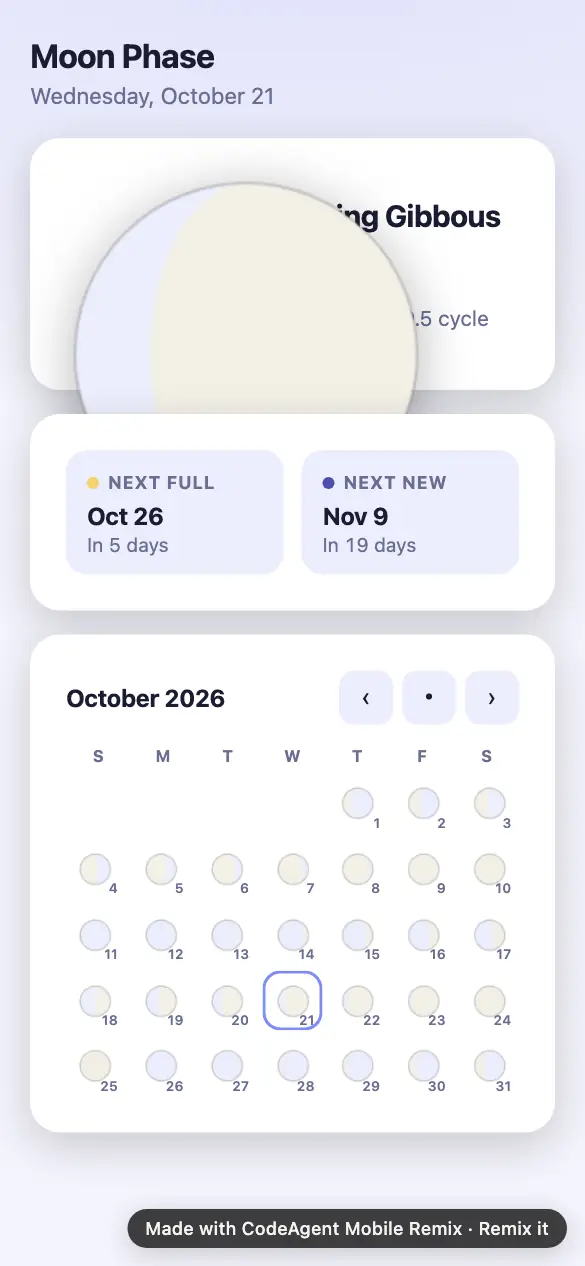
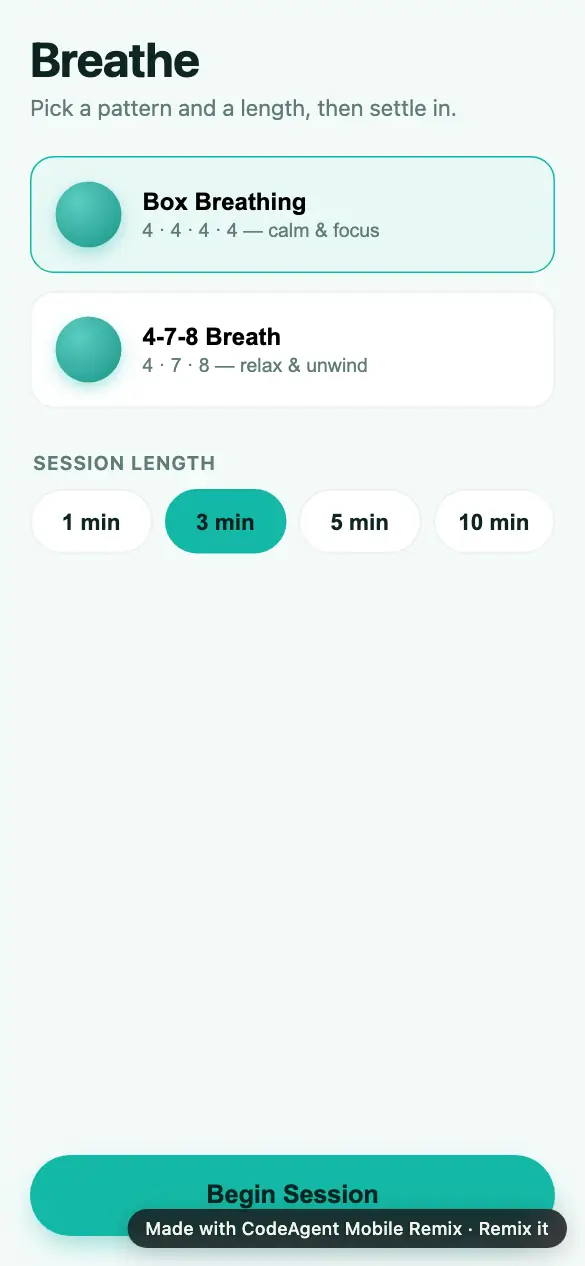
Apps with a strong look you can start from

What it won’t do
- It follows your design closely but isn’t a pixel-perfect export of every layer.
- One design at a time: a frame or a screen, not a whole multi-page file.
- Images up to 5 MB.
What it costs
- Every app is free to use, no account needed.
- 2 free remixes every month.
- $0.50 a remix after that, from prepaid credit.
- Pro $19.99/mo: 100 remixes a month + the Advanced console.
Questions
Can I convert a Figma design to code with AI?
Yes. Paste a Figma frame link (or a screenshot of it) when you create or remix an app and describe what it should do. You get a working app styled after the design, and you can export its code.
Does it work with Figma to React Native?
Yes. Ask for a phone app and attach the design: the result is React Native code with Expo, which you can open on your phone and export as an Expo project.
Do I need a paid Figma or Remix plan?
No. Linking Figma or Stitch is free, and every account gets 2 free remixes a month. After that a remix costs $0.50 from credit.
Is my design kept?
No. The design is read while your app is built and then dropped. Only the app you made is saved.