Integrated IDE (codeam-IDE)
A full VS Code-style editor — Monaco, file explorer, search, git, a marketplace, and a real terminal — inside the app.
- The same editor VS Code uses
- Explore, find, and commit
- A real shell in the workspace
codeam-IDE is a full VS Code-style IDE built right into the app — the real Monaco editor plus a file explorer, project-wide search, source control, a theme marketplace, settings, and an integrated terminal. It drives the workspace of your paired session, so you can read, edit, search, commit, and run — all from your phone.
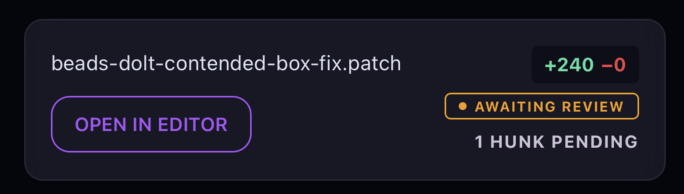
Syntax highlighting, autocomplete, tabs, and breadcrumbs — the same editor core VS Code is built on, hosted in the app.
Tap "Open in editor" on a diff or a file to jump right to it in the IDE, then edit and Save.
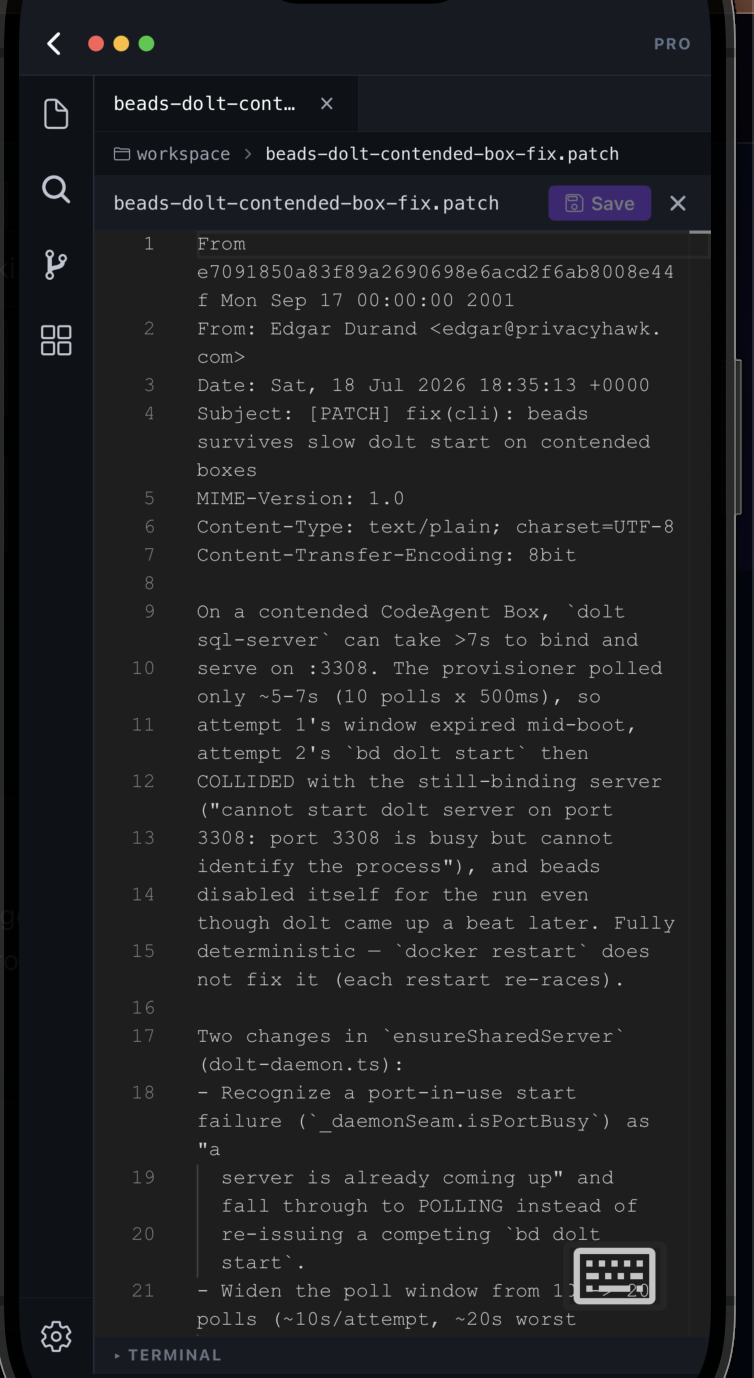
The full project tree — folders and files — served live from your paired session's machine.
The "Search files…" box narrows the tree to what you're looking for.
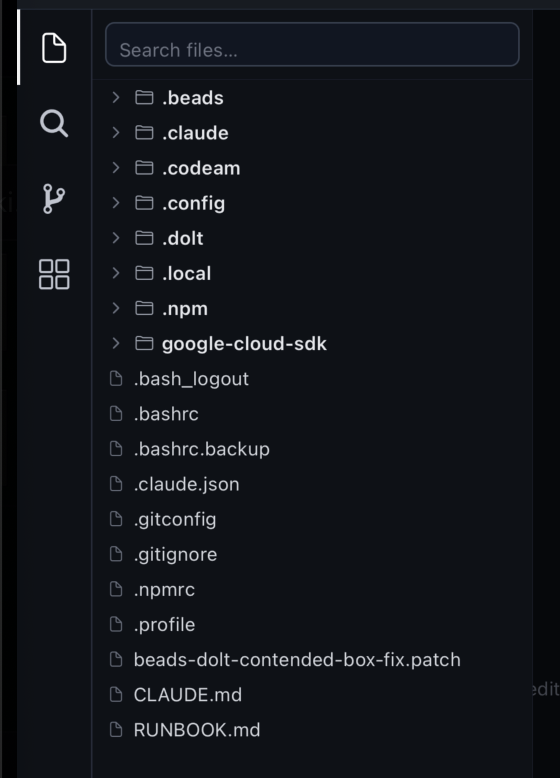
Find text across every file in the workspace, not just the open one.
Toggle case-sensitivity, whole-word, and regex, and scope with files-to-include / exclude globs.
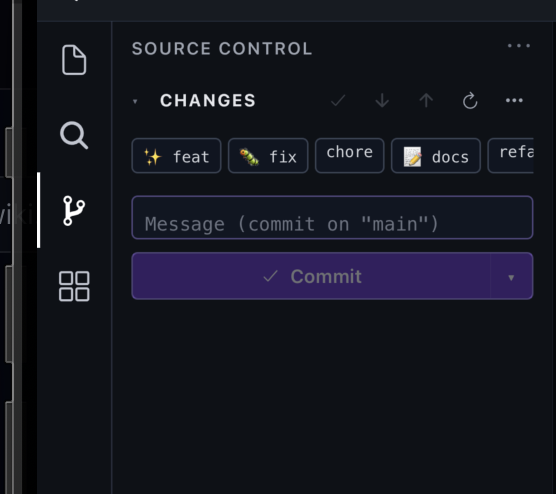
See your changes, write a message, and commit to the current branch — pull, push, and refresh are right there too.
One-tap type chips (feat, fix, chore, docs, refactor…) prefix your message so history stays consistent.
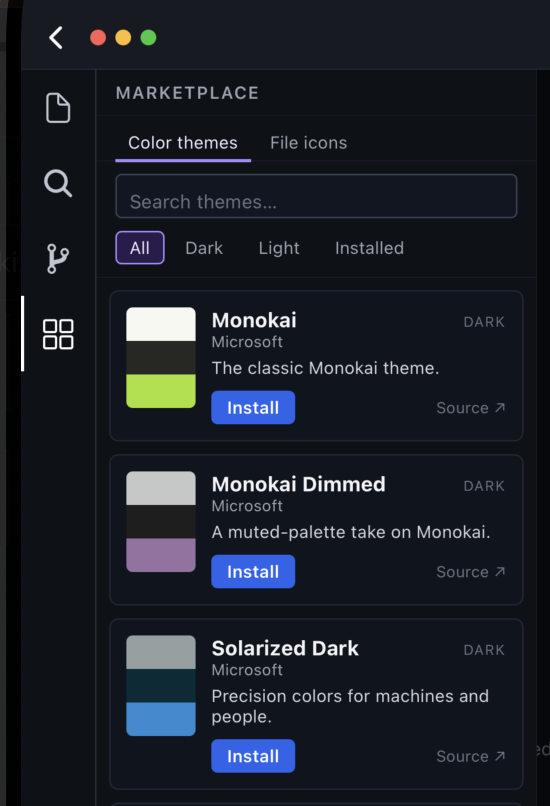
Browse color themes and file-icon sets — Monokai, Solarized, and more — and install with one tap.
Filter by All / Dark / Light / Installed, or search the catalog by name.
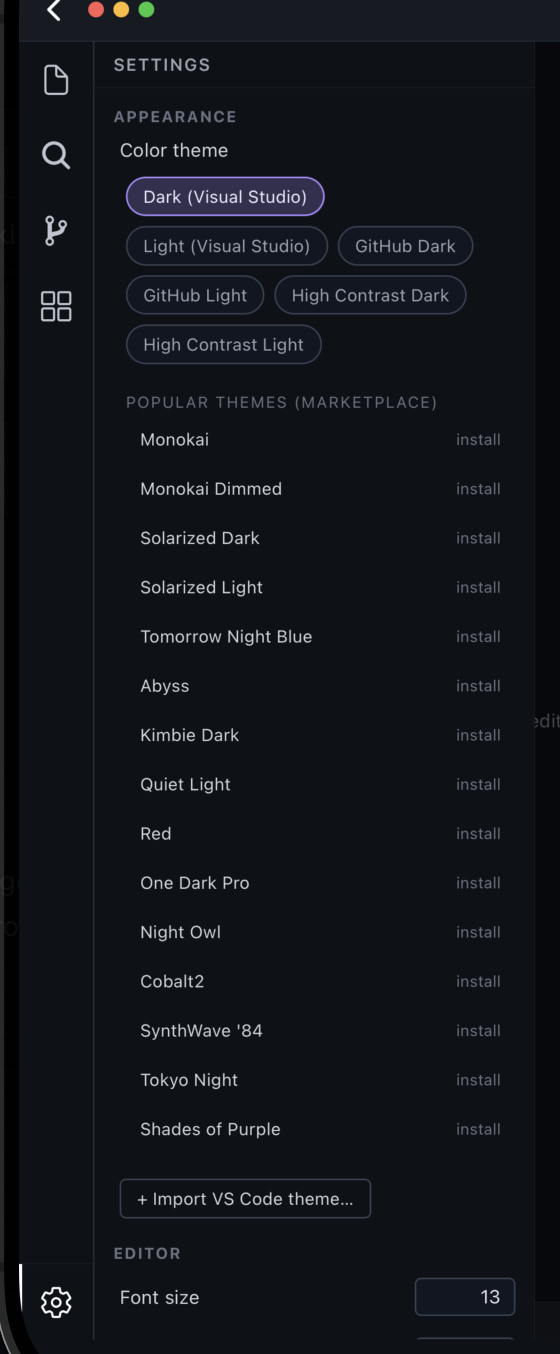
Pick a built-in theme (Dark/Light, GitHub, High Contrast), install popular ones, or import a VS Code theme.
Tune editor settings like font size to your taste.
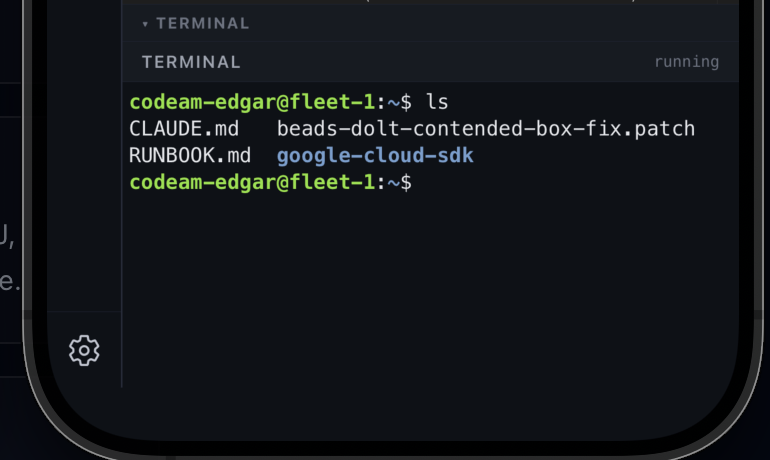
Run commands in an actual shell on your paired session's machine — ls, git, build scripts, anything.
The terminal lives at the bottom of the IDE, right alongside the editor and panels.
The integrated IDE (codeam-IDE) is a PRO feature. It runs against a paired session's workspace, so open it from a session's Files tab or a diff's "Open in editor".
FAQ
Related
Ready to try it?